

Source: Details
Each source has a dedicated configuration and management panel, organized into multiple tabs for easy navigation and control.
After creating a source, you’ll be automatically redirected to its detail page. You can also revisit this page anytime by clicking on the source from the Sources list.
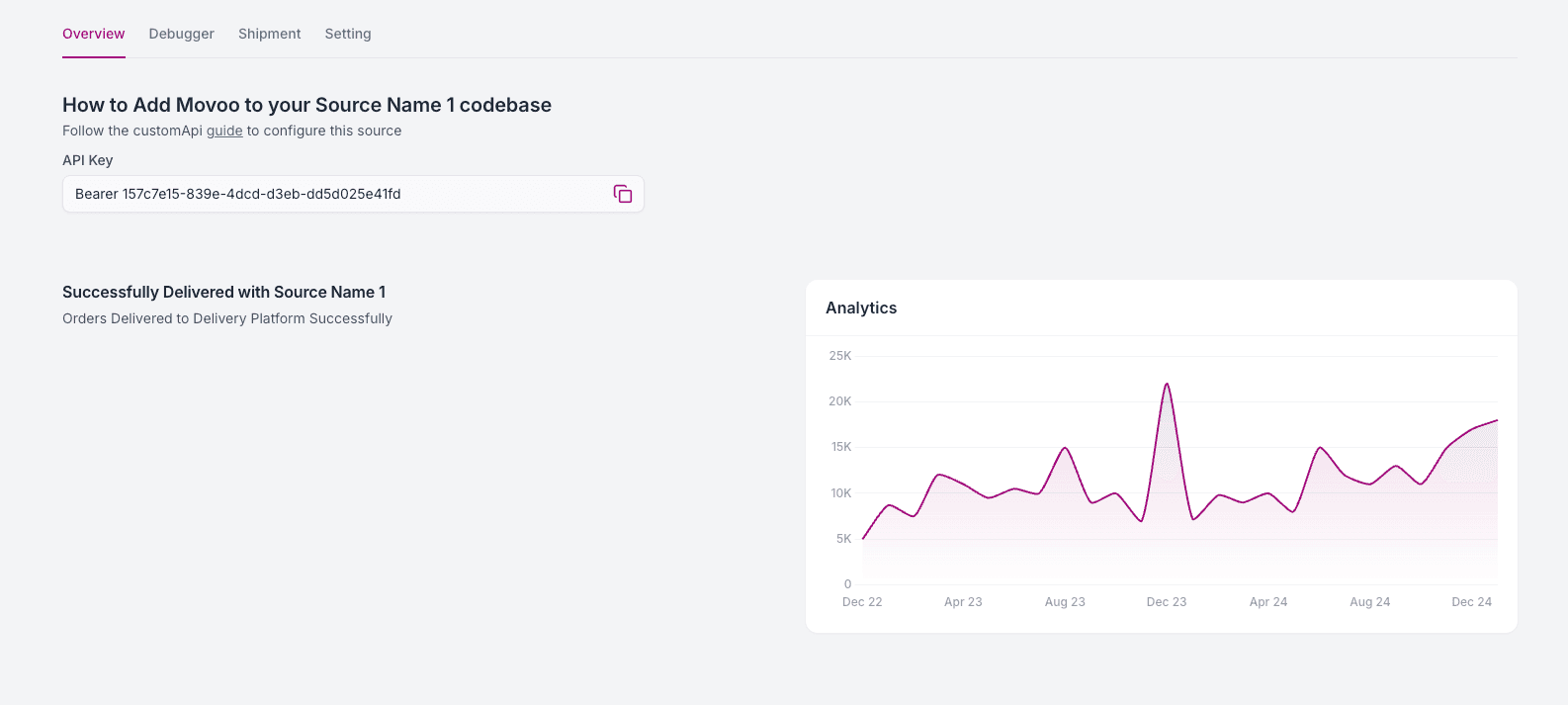
Overview
The Overview tab provides a quick summary of the source's integration status:
- Your API Key, used to authenticate requests from your system
- The source’s current connection state (enabled/disabled)
- Basic performance analytics showing shipment success trends and volume
Debugger
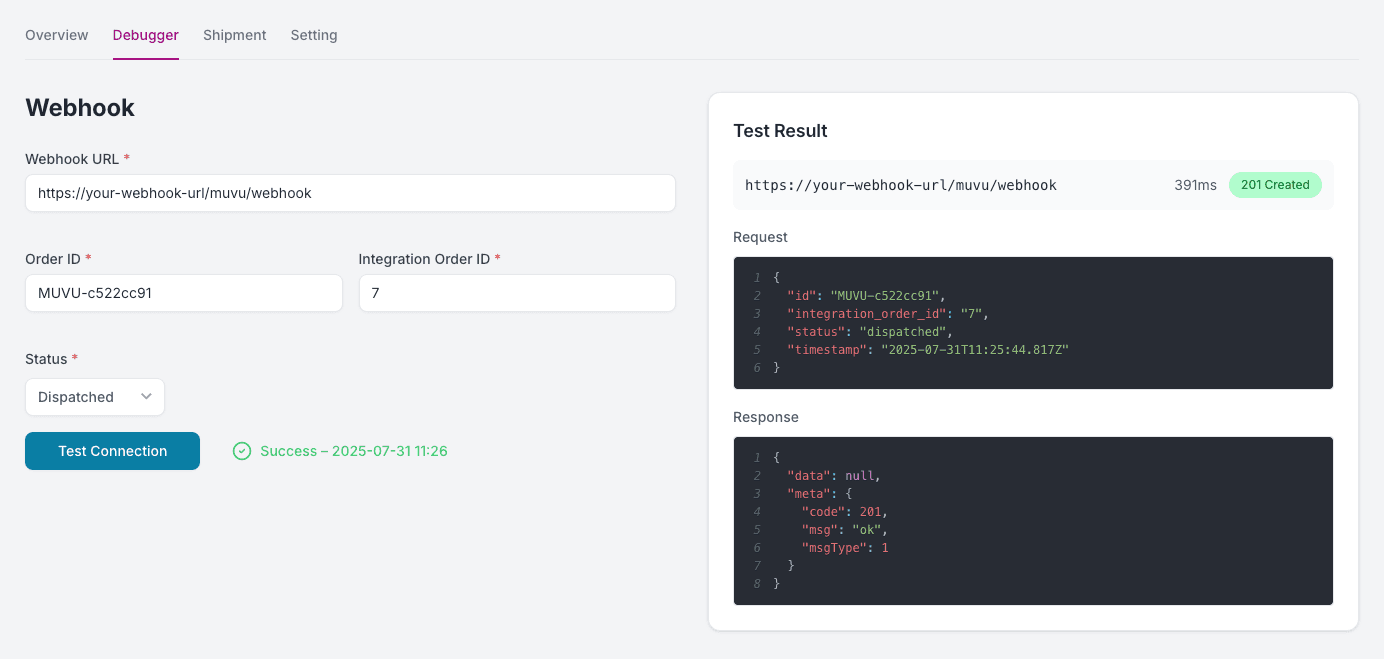
Use the Debugger tab to test and validate your webhook integration in real-time.
Webhook Testing
To simulate a status update and ensure your system is listening properly:
- Enter your Webhook URL — this is the endpoint that will receive status change notifications.
- Provide the Order ID — the unique ID generated by Muvx when the order was created.
- Provide the Integration Order ID — the order ID from your e-commerce platform or restaurant system.
- Select a Status — choose the order status you want to simulate (e.g., Accepted, In Transit, Delivered).
- Click Test Connection to send a mock status update to your webhook.
The response will be displayed instantly, including:
- Request Payload
- Response Payload
- HTTP status code
- Response time
- Timestamp with success/failure indication
This allows you to confirm that your system is correctly receiving and handling webhook events.
Integration Logs
The Integration Logs section shows all requests made through this source .
Each log displays:
Timestamp, IP Address of the incoming request, Request Path, HTTP Status Code, Response Duration (ms), View Details
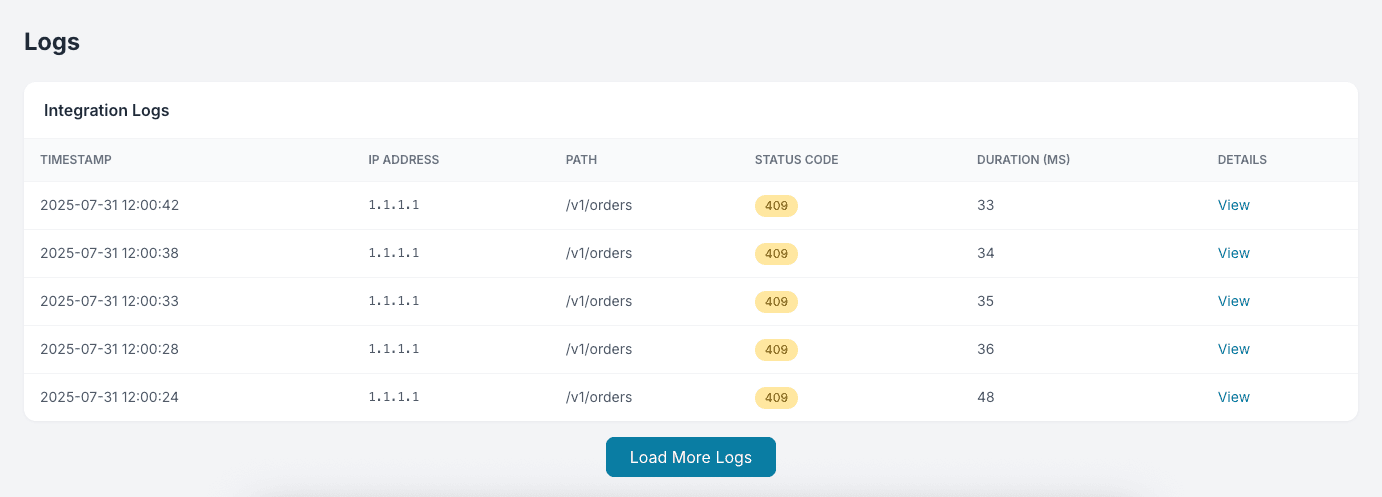
Click View to inspect the full Request and Response in JSON format — helpful for diagnosing:
Shipment Management
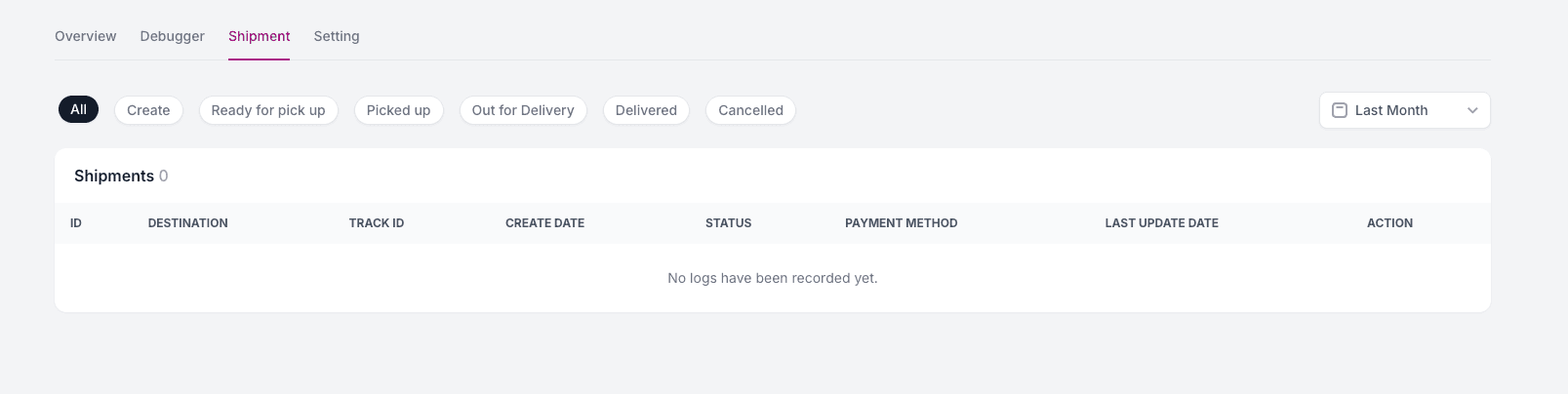
The Shipment tab shows all orders coming through this specific source:
- Filter shipments by status:
Created,Ready for Pick Up,Picked Up,Out for Delivery,Delivered,Cancelled - Each row includes:
Track ID,Destination,Payment Method,Timestamps,Status, and more
Settings
The Settings tab allows you to manage the configuration of the source:
- Edit the Source Name
- Switch between Sandbox and Production
- View and copy your API Key
- Toggle the Integration Status (on/off)
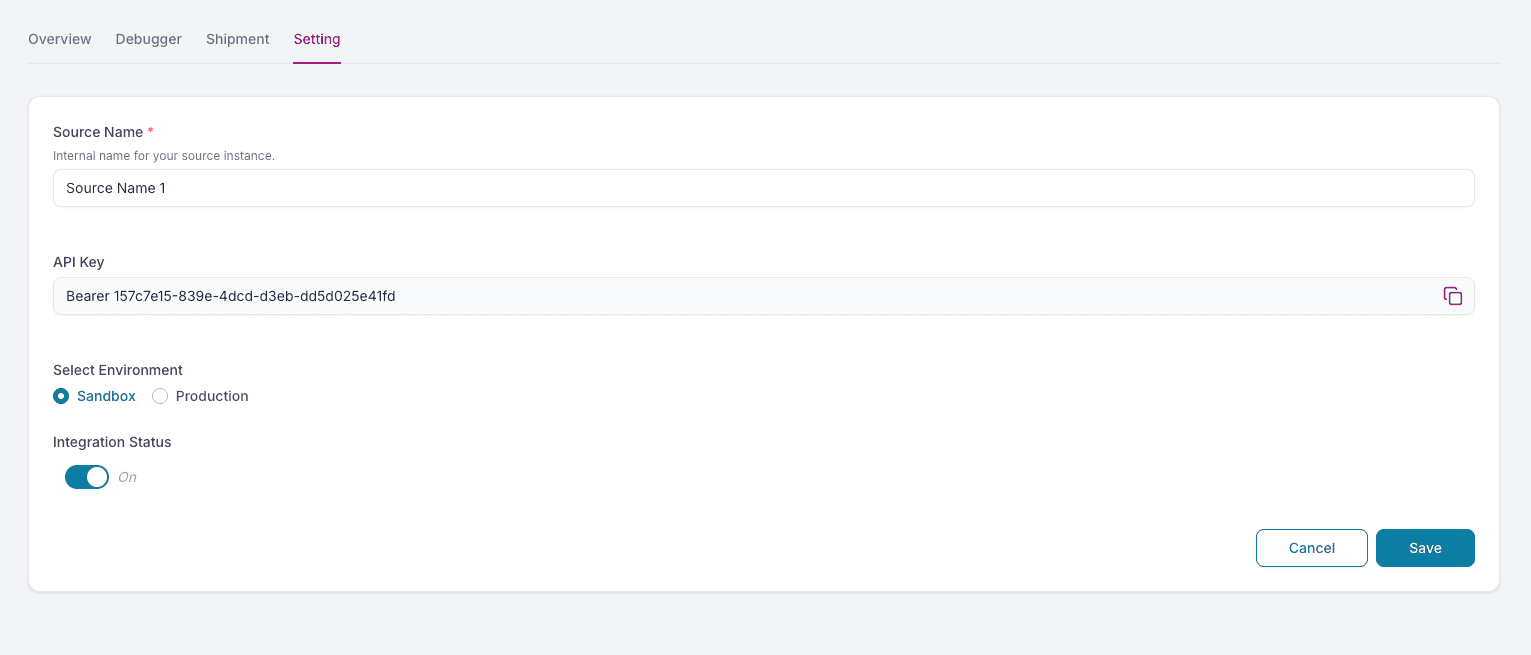
Your API key is securely generated and scoped to each source. Keep it confidential.